Section: Purchasing
Subject: Procedure, Approve a D365 Purchase Requisition
Approved by: Tony Massey
Effective Date: 21 December 2021
Last Reviewed Date: 21 December 2021
Policy Owner: Senior Director of Purchasing
Policy #
Purchase Requisitions are used to order supplies needed to service customers and to run the service center. Service Managers create the purchase requisition. The General Managers approve all purchase requisitions. This includes both ROs and EPOs. For each pending requisition, the General Manager will receive an email notification.
Regular Orders (RO) purchase requisitions must be approved by the 10th of every month. Before approving an RO, the General Manager should review what has been ordered by the Service Manager and make any necessary adjustments.
Emergency Purchase Orders (EPO) should be approved immediately.
Process to Approve a D365 Purchase Requisition: #
1. Log in to Microsoft D365.
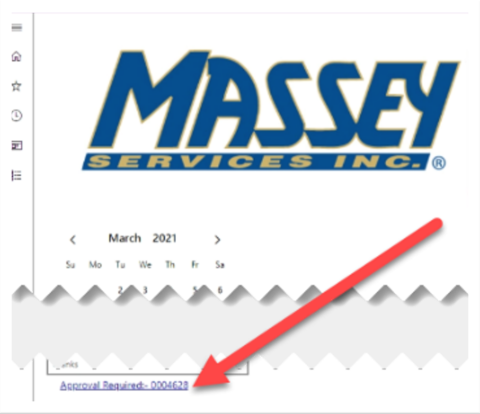
2. Click on the Approval Required link (found under calendar).
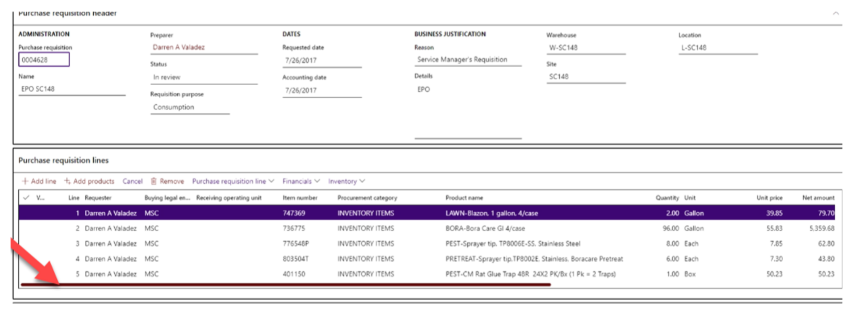
3. Click “Purchase requisitions xxxxxxx” (located in the ID column) to view the items, quantity, unit, and price.

4. Review the purchase requisition for accuracy. Click and drag bar over to the right to view all fields
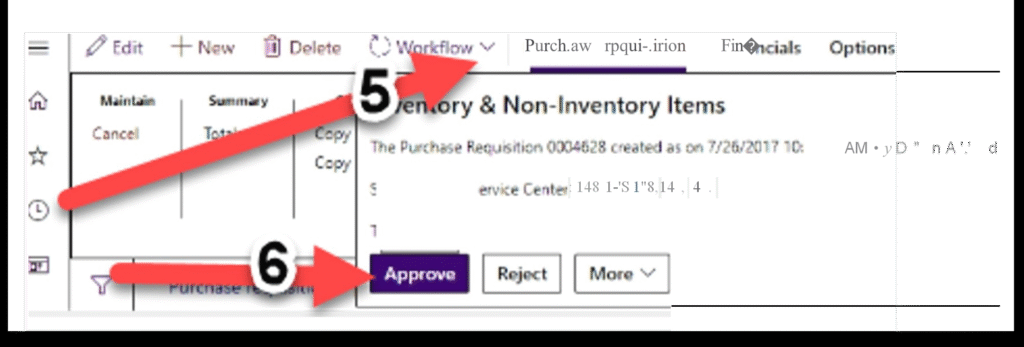
5. Click “Workflow” (found in the top menu bar).
6. Click “Approve” (Inventory & Non-Inventory items pulldown menu).
7. Click “Approve” (bottom right corner).