Initial Training
Who can I contact for help with the training program?
For training structure or content questions, contact Learning & Development. For field or service-specific support, reach out to your Regional Manager or Service Director.
Learning & Development Contact Information
Email: lmsadmin@masseyservices.com
Learning Coordinator
Ingrid Litkenhus
Extension: 200188
Direct: 407-571-6288
Where does my new team member find their assigned learning for their initial training?
Their initial training is automatically assigned in Workday. And their learning can be found in their “Awaiting Your Action” tile on their Workday dashboard. If it is not showing due to other tasks pushing it down the list, have your new team member:
- Open their global navigation (desktop) or Apps (mobile)
- Select Personal
- Select Learning
- Select My Learning
- Their assigned learning will be there
How do I know what online courses my new hire should complete?
Training assignments are automatically released in Massey University. You can confirm what’s due by checking the state-specific initial training outline and monitoring your new hire’s LMS progress.
Where do I find the structure for my new hire’s training?
Use the Trainer Guides provided on your state’s Initial Training page. They include instructions, guidance, schedules, and resources so you know exactly what to cover each day.
I need to upload a document for my new team member’s initial training, but I don’t see any place to do it in their curriculum. What am I missing?
Workday does not currently have a method for a learner or manager to upload documents to learning items. Please use the Massey Initial Training Paperwork Portal which can be found on Armyant, MILO’s front page, follow the link below, or the paperwork upload button on your state’s initial training page.
Where did that email training go? I can’t find it in Massey University!
The “email training” is an email phishing training issued by IT, not L&D. It is in your trainee’s Massey email and is from KnowBe4.
If your trainee has not completed it within a certain time, their Massey email will be closed.
Please contact the IT helpdesk for assistance with this item.
Team Member Learning
Is there anything out there to help me with the new Workday Learning LMS?
Yes there is! 😊
There are quick start guides in the Workday Knowledge Base! There is one for all team members and one for managers.
Can I check if my team members have completed their required training?
Yes, you can! 😄
Here’s what you can do:
- Use the Learning View Details for Managers report
Or:
- Use the My Team Management portal in your global navigation menu.
- Explore the Learning tile in that dashboard
Important note about the options in the Learning tile.
- My Team’s Learning: shows the high-level overview of any learning your direct reports only
- My Team’s Learning Assignment: show the high-level overview of assigned learning to any direct or indirect report under you.
VTMs
How do I close out a VTM?
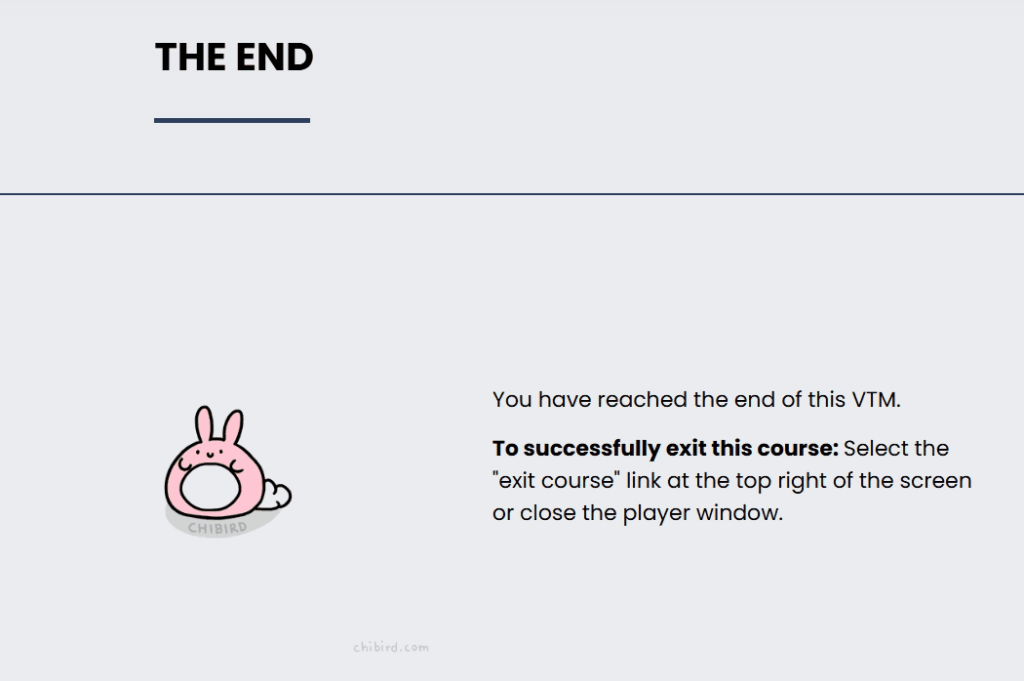
You need to get to the end of the VTM course. When you get to the lesson titled “The End” (see the image below), you can exit the course!
I’ve completed the VTM! Why won’t it show complete?!
There are a few things which could be happening, and they mainly deal with the connection you have with Workday and the transfer of information in that connection. If there’s a snag and a piece of information does not transfer or gets stuck, then the course won’t complete.
Try the any of the following:
- Wait. Refresh the course page and see if it is now complete. Sometimes it can take a day or more depending on what is happening with Workday’s servers.
- Change your connection and try again.
- If you are on WIFI, change to cellular. If you are on Cellular, change to WIFI.
- Change your device.
- On a mobile device? Try a desktop.
- On as desktop? Try a mobile device.
- Restart your device.
- There’s a reason “turn it off and turn it back on” is often the first task a helpdesk has you complete.
- Make sure your device is up-to-date.
If all those fail, you can reach out to us for help.
I didn’t pass the quiz. What do I do?
Move on.
Whether you pass or fail the safety quiz has no effect on your ability to complete the VTM.
You have one attempt to take it, but failing doesn’t hold you back or prevent a completion of the VTM
Professional Development
Can I request training beyond my required courses?
Yes. You can search the catalog and enroll yourself in courses or entire programs, or talk with your manager about aligning additional training with your career path.
Where can I find professional development opportunities?
Explore the Learning Catalog in the Massey University. It contains recommended courses, leadership training, and skill-building opportunities.
Licensing & Certification
Where do I track my license renewal status?
Please contact the Licensing department for information about renewals and status updates.
How do I know if my role requires a license or certification?
Check the Licensing & Certification section in MILO, explore the 1400 category in Policies and Procedures. State and role-specific requirements are outlined there.
If you have more questions, contact the Licensing department.