Activating Orders #
- In the Opportunity, open any Order.
- In the Order Window, choose Activate.
- In the confirmation message, choose Activate.
- Be patient and wait for Salesforce to do its thing. There’s a lot happening and it can take a few minutes for the status to change.
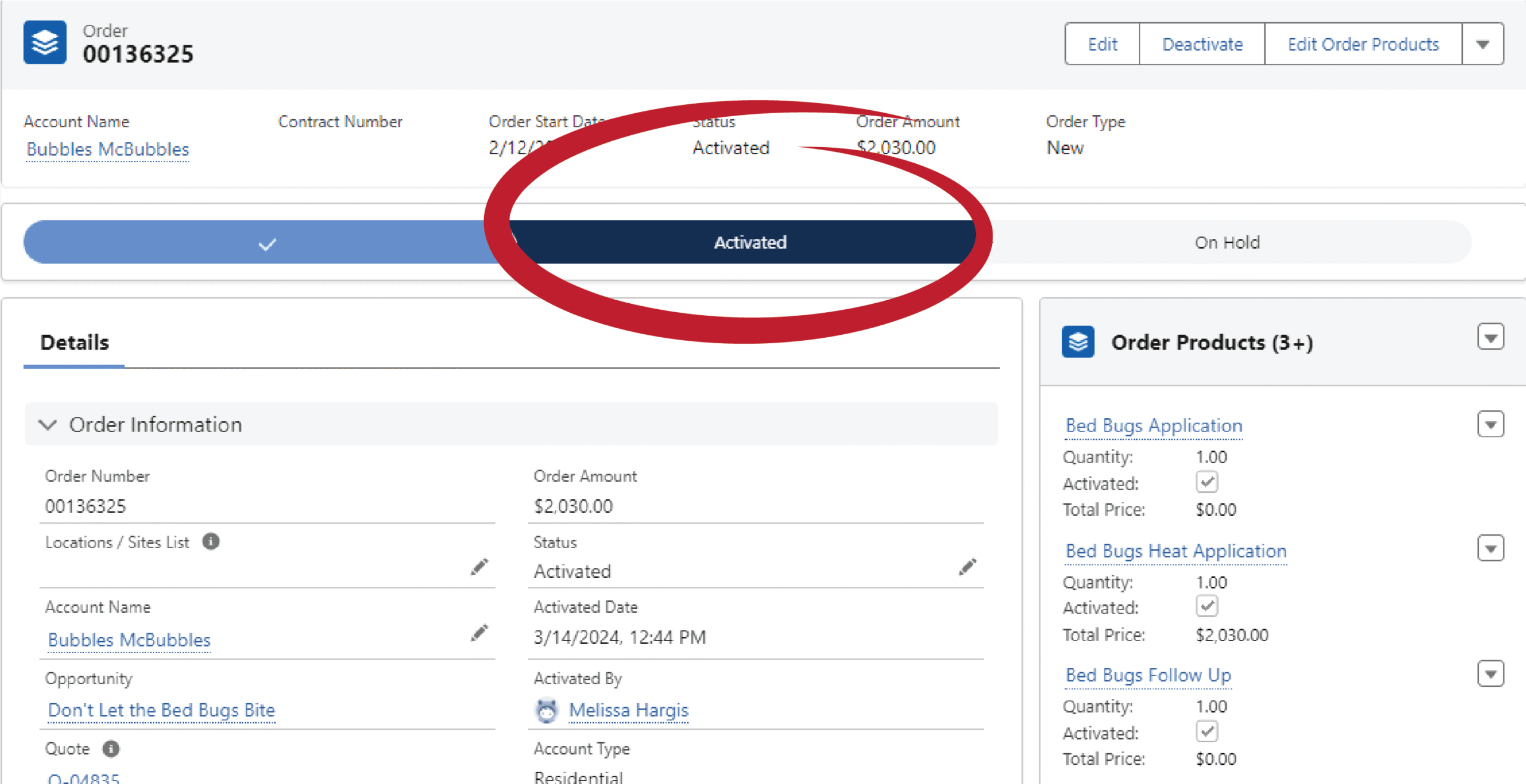
- Once the screen changes to show the Status as Activated, you’re done!