Approvals #
- Open the Quote needing approval.
- Click Preview Approval.
- Any approvals needed will be listed on this page.
- Click Submit for Approval.
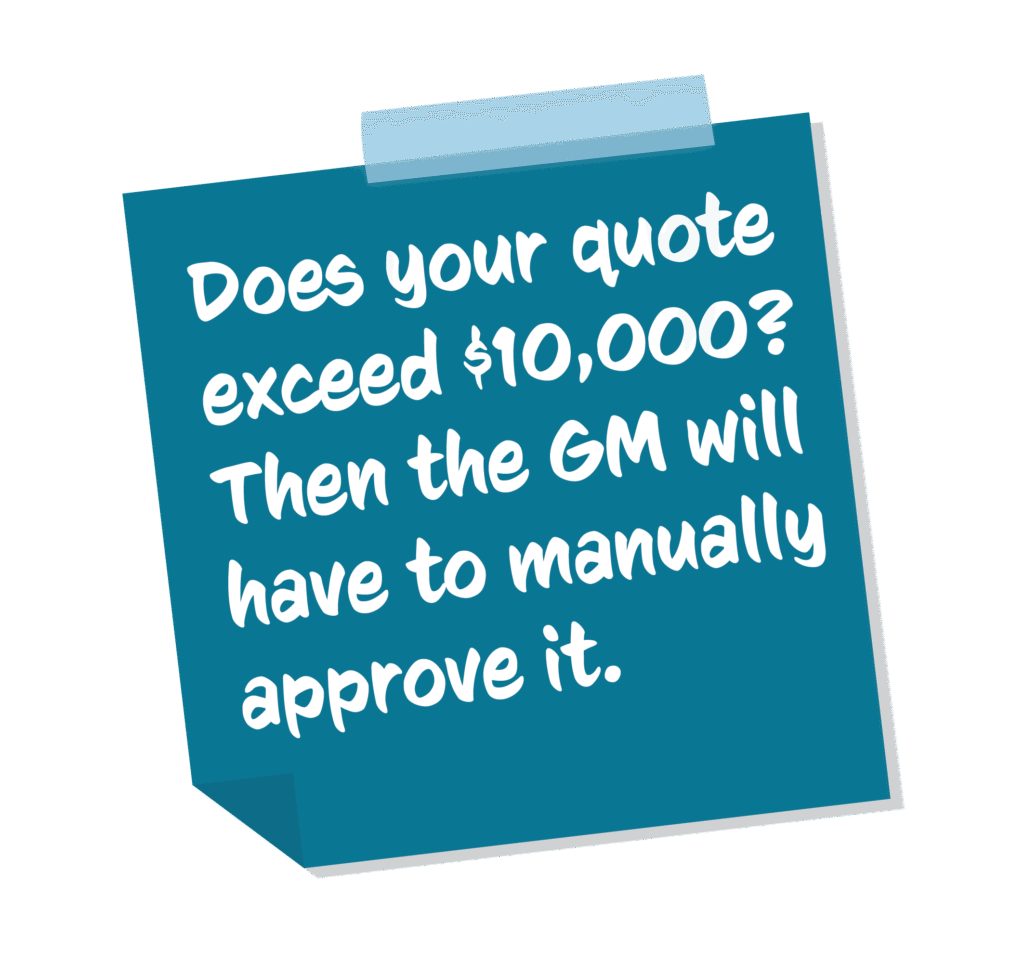
- If your quote needs approval from a GM, they will appear in the Approvals Portlet in the Quote.
Proposals #
- Once approved, choose Generate Quote Proposal.
- Wait for Conga Sign to gather the information and generate the document and agreements.
- Once done, scroll down to the Files portlet to check the document before proceeding to Customer signing.