All drivers must install the Samsara application on their iPads today. This will allow everyone to begin using and engaging with the app.
Here are the steps to the process:
- Download the Samsara Driver app on the iPad.
- Open the App
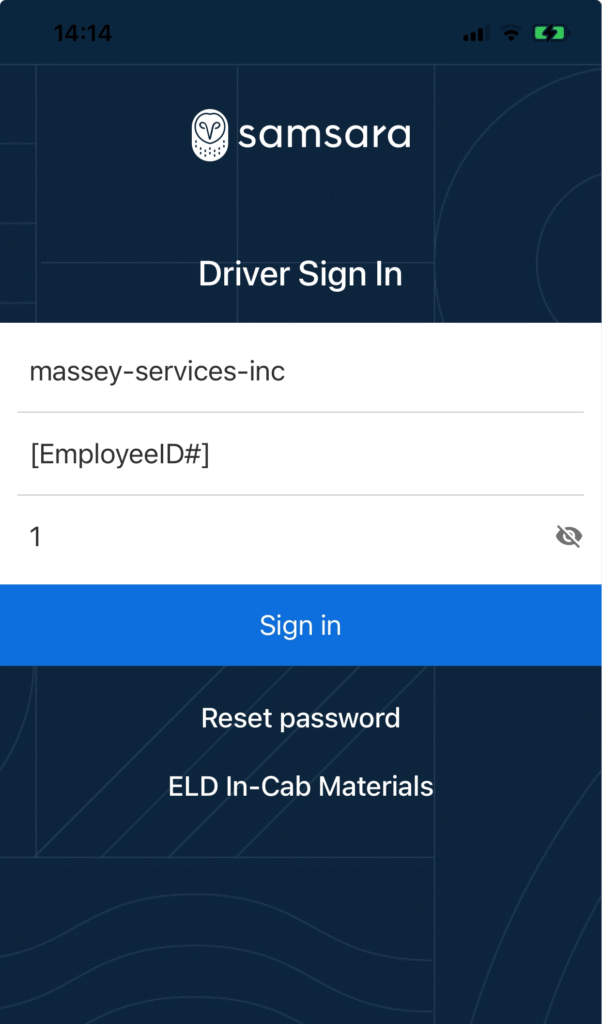
- Now you should see the Driver Sign-In screen
- On the Fleet ID (e.g., ABCTrucking) line type: massey-services-inc
- Username: type the driver’s employee ID#
- Password: 1
- Hit enter
- Allow notifications
- Skip the vehicle screen by just hitting enter
- You are now logged in